
XBMC media center is compatible with Windows, Mac, Linux, Xbox and now with the IOS devices, and they just get a version for iPhone, iPad and 2G for Apple TV.
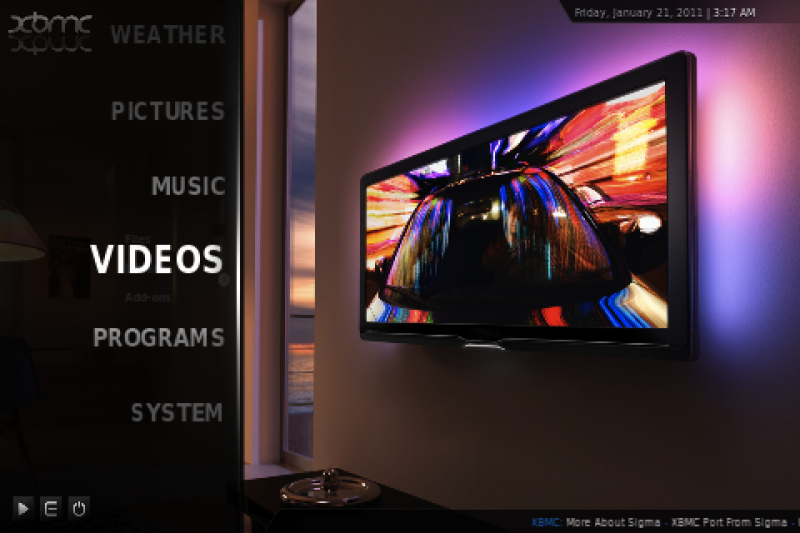
With the iPhone and iPad application, you can do video streaming, audio, and images directly from your computer.
To install, you just have to follow the steps below.
- Unload the server for your operating system.
- Open Cydia.
- Click on Manage / Sources / Edit / Add
- Enter the following source: http://mirrors.xbmc.org/apt/ios/
- We hope to reload the repository.
- Install: XBMC-iOS
- Now we can access our content, on the computer server configuration.
We will publish a tutorial to install on Apple TV 2G.


 Posts
Posts


No comments:
Post a Comment